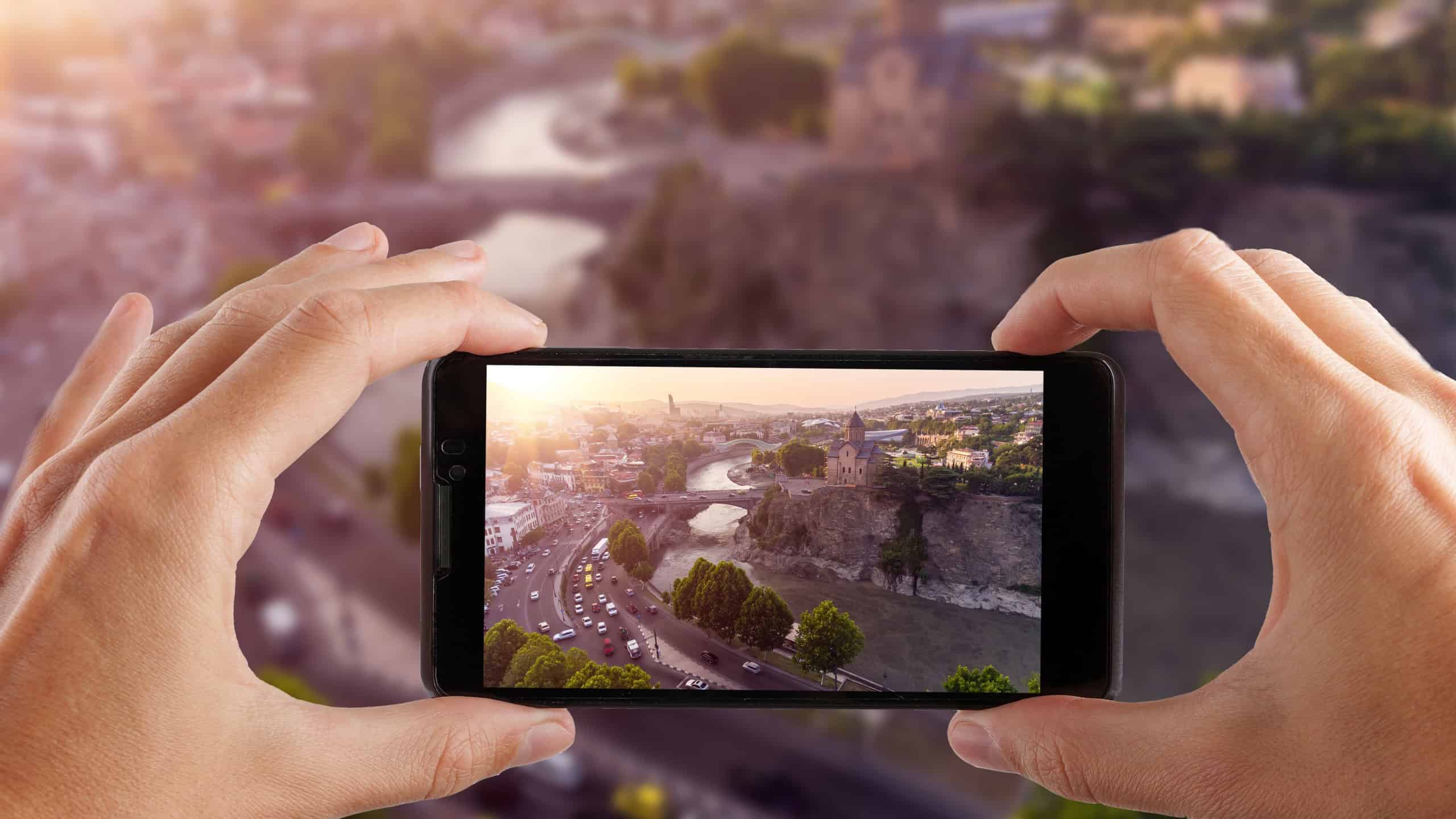
If you have a decent smartphone, you can use these tricks to take beautiful, professional photos, without expensive equipment or editing software.
Clean Your Lens (Seriously, Do This!)

A surprising number of people don’t clean their lens before taking photos.
Your phone constantly moves between your pocket and bag to your hands, which continuously collects fingerprints and dust.
Make sure to clean the camera lens by wiping it with a soft cloth or your shirt gently before snapping a picture. A clean lens means sharper, clearer photos.
Tap to Focus for Sharper Shots

Your phone’s camera doesn’t always automatically select the proper focus point, so you need to intervene.
You can focus simply by touching the area on the screen where you want your main focus to be.
By telling your camera where to focus, you make your subject remain sharp against a softly blurred background.
Use Natural Light Whenever Possible

Waiting for the right light is essential. Do not use your phone’s flash; it creates washed out and unnatural images.
Instead position your subjects next to windows to capture soft indoor lighting. Capture photos outdoors during morning or evening times because the golden hour creates magical lighting effects.
Avoid direct midday sun as well; it creates harsh shadows Natural light brings out vibrant colors and gives your pictures with a professional touch.
Use the Rule of Thirds for Better Composition

Have you noticed how professional photographs look “balanced”, but some images seem just wrong? That’s because of composition.
Turn on the gridlines feature within your smartphone camera settings. Place the subject of your photo at one of the grid intersections instead of at the center.
This will make your photograph balanced.
Adjust Exposure Manually for Perfect Lighting

Automatic brightness is for amateurs; Fix it yourself. Focus your shot by tapping the screen then adjust the brightness by sliding up or down.
It’ll give you a better balanced shot.
Get Closer Instead of Zooming In

Zooming too much using your camera’s digital zoom makes the photos pixelated and grainy. Try to move closer to your subject instead.
Tip: On newer phones with multiple cameras opt for the telephoto lens rather than digital zoom.
Try Different Angles (Get Low or High!)

Eye level photo shots are common but they end up being dull. Adjust the angle to change the image and the perspective.
- Kneeling down and placing your camera closer to the ground makes people appear taller.
- Capture flat lay images by taking photos from an overhead position.
- Slightly tilt the phone to achieve a visually striking dynamic look.
Use Portrait Mode for Blurry Backgrounds (Bokeh Effect!)

Want that pro-level blurred background look? Portrait Mode is available on most phones and produces a shall
Most phones have a portrait mode that focuses on the foreground subject and blurs the background slightly.
This is the best mode for capturing people, pets, food and objects.
Take Multiple Shots (Then Pick the Best One!)

Even professional photographers need multiple tries to capture a perfect photo. So snap multiple photos from different angles with small changes – then choose your favorite later.
Press and hold the shutter button or volume button to activate burst mode. Adjust your position slightly every time you snap a photo to capture new versions.
Edit Lightly (Less Is More!)

Editing helps improve your pictures but don’t go overboard.
- Use your phone’s editing functions or third-party apps like Snapseed and Lightroom Mobile.
- Adjust the brightness, contrast and shadow settings to get a professional look
- Crop for better composition, but don’t over-filter.
A little touch-up goes a long way!
Take Advantage of Leading Lines

Leading lines move the viewer’s attention across the photo while generating a sense of depth. Look for:
- Roads, fences, railways
- Bridges, staircases, hallways
- Rows of trees, paths, or natural lines
Aligning your subject with natural lines in your composition makes your photos appear more professional.
Practice, Experiment, and Have Fun!

The best way to improve your photography? Just keep taking pictures!
- Try new lighting conditions
- Experiment with different angles and subjects
- Look at photography accounts for inspiration
Your photographic style will become unique as you continue to experiment and practice.